Extracting Highlights from PDF: Save Time on Research
If you're a researcher, student, or avid reader, you've probably spent countless hours highlighting important passages in PDF documents. But what happens when you need to compile all those highlights? Manually copying them is tedious and time-consuming.
The Problem with Manual Extraction
Traditional approaches to gathering highlighted text involve:
This process can take hours for a single document, and if you have multiple PDFs to process, it becomes overwhelming.
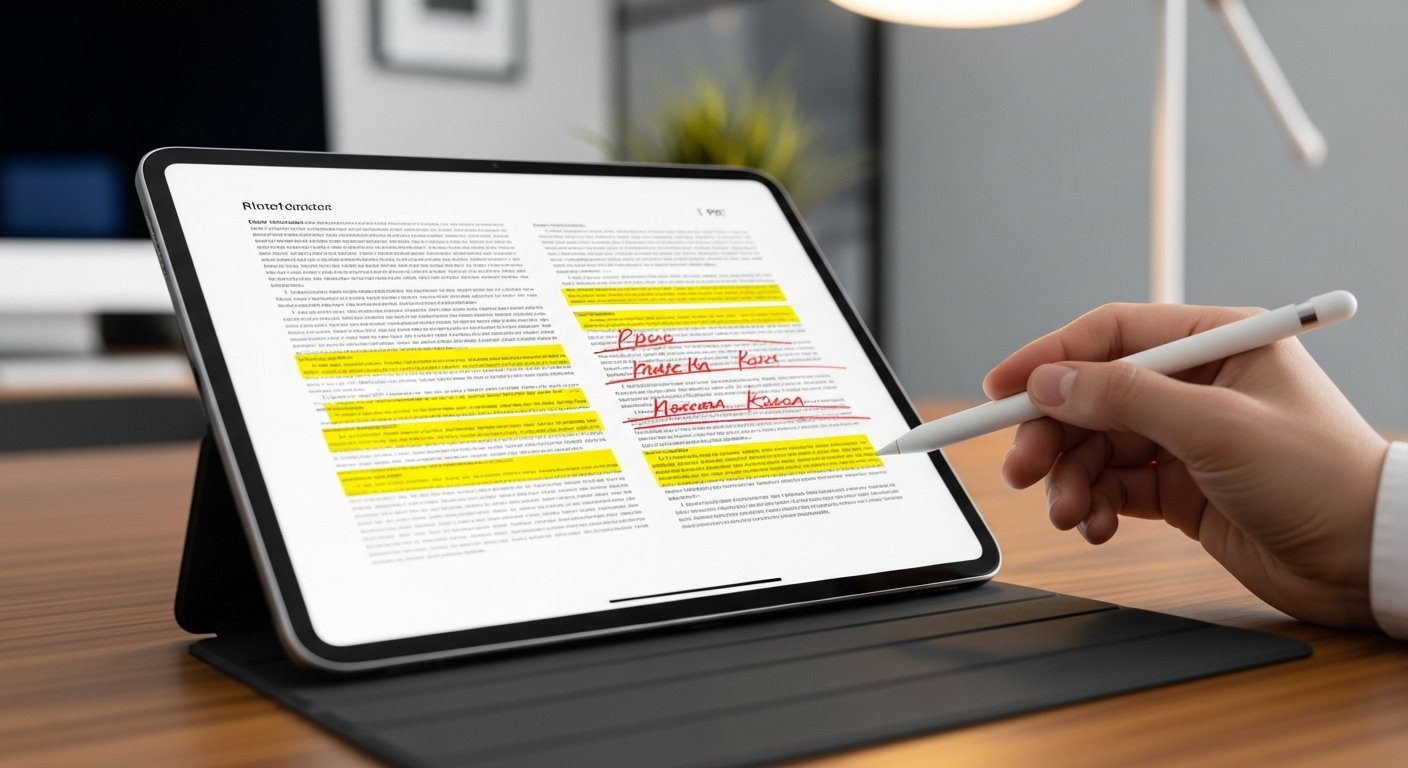
Automated Highlight Extraction
Modern PDF tools can automatically extract all highlights from your documents in seconds. Here's what you get:
Best Practices for Highlighting
To get the most value from automated extraction:
1. Use Consistent Highlighting
Develop a color-coding system:
2. Highlight Complete Thoughts
Rather than single words or partial sentences, highlight complete ideas. This makes extracted text more useful and readable.
3. Don't Over-Highlight
The more selective you are, the more valuable your extracted highlights will be. Aim to highlight only the most important 10-20% of content.
4. Add Notes
Many PDF readers let you add notes to highlights. These get extracted too, providing valuable context.
Using Extracted Highlights
Once you've extracted your highlights, you can:
Study Notes
Create comprehensive study guides by combining highlights from multiple sources.
Literature Reviews
Quickly compile relevant quotes and findings from research papers.
Book Notes
Build a personal database of insights from books you've read.
Content Creation
Use extracted highlights as source material for articles, presentations, or reports.
Pro Document Tools Extract Highlights Feature
Our Extract Highlights tool provides:
1. Fast Processing: Upload your PDF and extract in seconds 2. Organized Output: Highlights sorted by page number 3. Visual Preview: See highlights with original colors preserved 4. Text Export: Download as plain text file 5. No Limits: Process documents of any size
Workflow Integration
Integrate highlight extraction into your research workflow:
1. Read and highlight PDFs on your preferred device 2. Extract highlights using our tool 3. Import into note-taking apps (Notion, Evernote, etc.) 4. Organize by topic or project 5. Search and reference as needed

Conclusion
Automated highlight extraction transforms hours of tedious work into a task that takes seconds. Whether you're a student preparing for exams, a researcher compiling literature reviews, or a professional gathering information, extracting highlights efficiently can dramatically improve your productivity.
Start extracting your highlights today with our Extract Highlights tool.