Converting EPUB to PDF: Everything You Need to Know
EPUB is a popular eBook format, but there are times when you need your content in PDF format instead. This comprehensive guide covers everything you need to know about EPUB to PDF conversion.
Understanding the Formats
EPUB (Electronic Publication)
PDF (Portable Document Format)
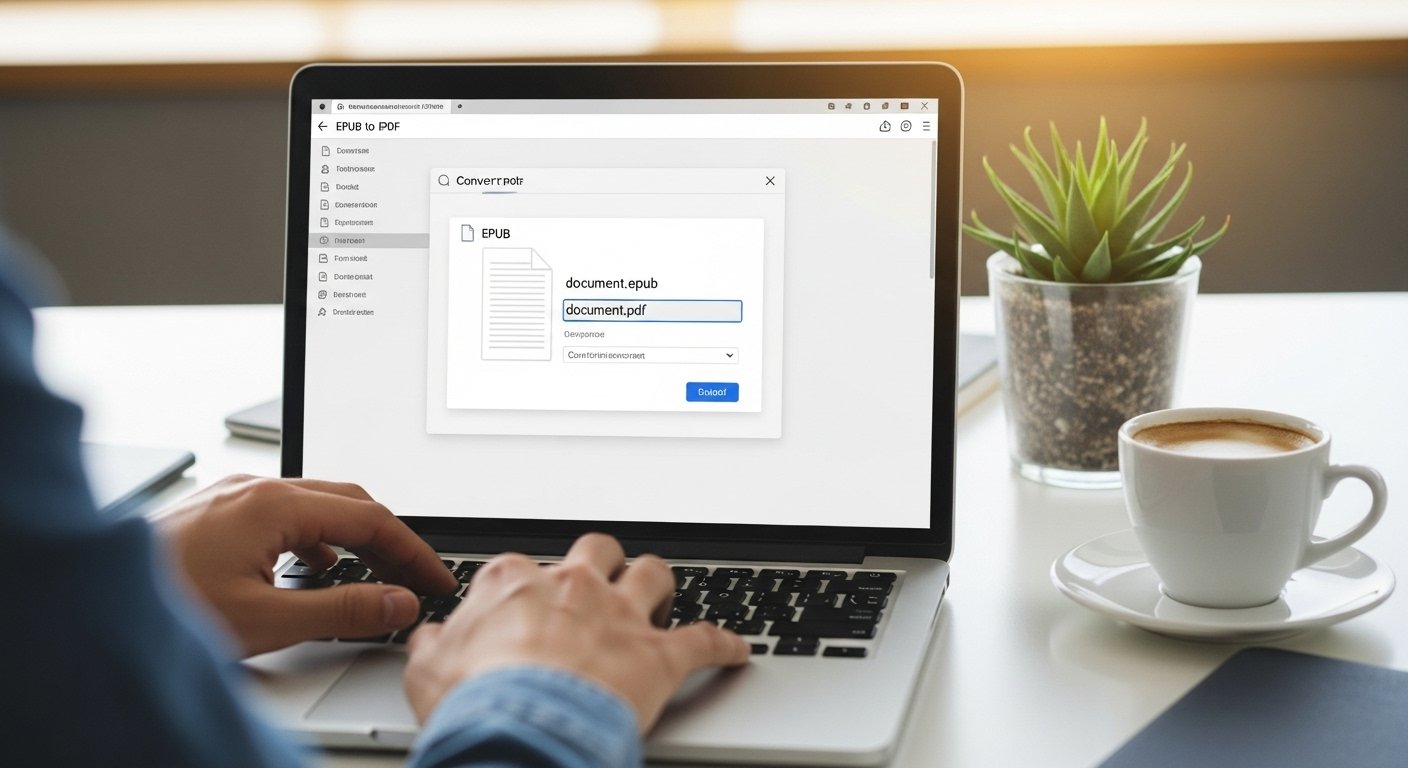
Why Convert EPUB to PDF?
There are several reasons you might need to convert:
Printing
PDFs maintain consistent formatting across devices, making them ideal for printing physical copies of your eBooks.
Sharing
Not everyone has an eBook reader, but almost everyone can open PDFs. Converting makes your content accessible to a wider audience.
Archiving
PDFs are excellent for long-term archiving since they preserve exact layout and formatting.
Annotation
Many people prefer PDF annotation tools for taking notes and highlighting.
Professional Use
Business and academic settings often require PDF format for official documents and submissions.
Using Pro Document Tools for Conversion
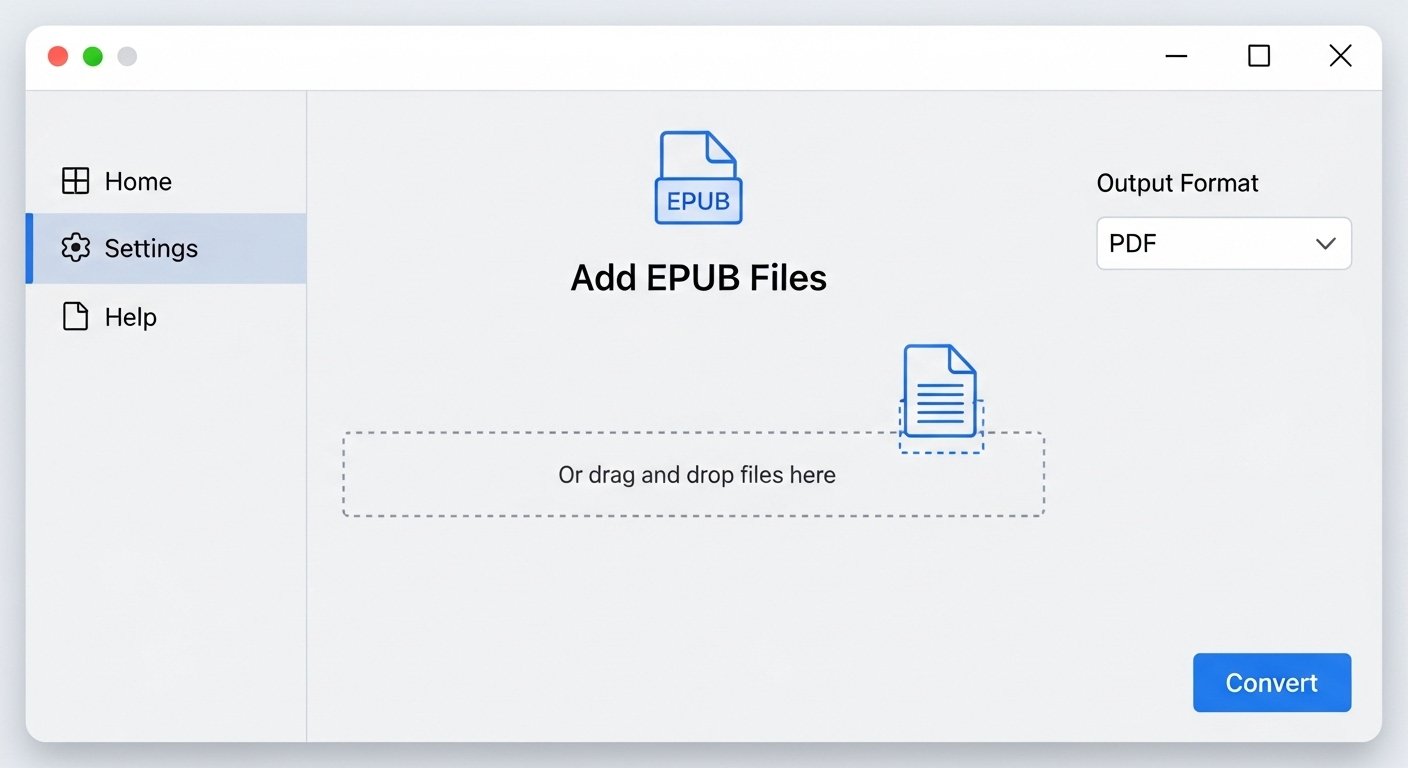
Our EPUB to PDF converter handles the complexity for you:
1. Upload: Select your EPUB or MOBI file
2. Convert: Automatic processing with optimal settings
3. Download: Get your professionally formatted PDF
The tool automatically:
Common Use Cases
Personal Library
Convert your eBook collection to PDF for backup and archiving.
Course Materials
Teachers converting eBook textbooks to PDF for classroom distribution.
Publishing Preview
Authors checking how their EPUB content will look in PDF format.
Cross-Platform Reading
Reading content on devices that don't support EPUB readers.
Conclusion
Converting EPUB to PDF is essential for many workflows, from printing and sharing to archiving and annotation. While the process involves technical challenges, modern tools make it accessible to everyone.
Whether you're a student, teacher, author, or casual reader, having your content in the right format makes all the difference.
Try our EPUB to PDF converter for fast, high-quality conversions that preserve your content's integrity.