Can EPUB Be Converted to PDF? Here's How to Do It Easily
In the world of digital reading, EPUB and PDF are two of the most popular file formats. EPUB (Electronic Publication) is widely used for eBooks because of its flexibility and reflowable content, which adapts to different screen sizes. PDF (Portable Document Format), on the other hand, is known for preserving layout and formatting across devices. But what if you have an EPUB file and need it in PDF format?
🧐 Why Convert EPUB to PDF?
There are several reasons you might want to convert an EPUB file to PDF:
Printing
PDFs are easier to print with consistent formatting. When you convert an EPUB to PDF, you can be confident that what you see on screen is exactly what will appear on paper.
Sharing
PDF files are universally accepted and easier to share via email or cloud services. Not everyone has an EPUB reader, but virtually everyone can open a PDF.
Annotation
Many PDF readers offer robust annotation tools. If you prefer highlighting, note-taking, and markup features available in PDF applications, converting your EPUB makes sense.
Compatibility
Some devices or apps don't support EPUB, but almost all support PDF. Converting ensures your content is accessible anywhere, anytime.
🔄 How to Convert EPUB to PDF
Converting EPUB to PDF is surprisingly simple, and you don't need any technical skills to do it. One of the most reliable and user-friendly tools available is Pro Document Tools.
✅ Why Use Pro Document Tools?
Fast and Free
No need to install software—just upload and convert. The entire process takes seconds, and there's no software to download or install on your device.
High Quality
The converted PDFs maintain the original formatting and readability. Text, images, and layout are preserved to give you the best possible output.
Cross-Platform
Works on any device with a browser. Whether you're on Windows, Mac, Linux, or mobile, you can convert your files from anywhere.
📝 Steps to Convert
Converting your EPUB to PDF with Pro Document Tools is incredibly straightforward:
Step 1: Visit the Converter
Navigate to the EPUB to PDF Converter on Pro Document Tools.
Step 2: Upload Your EPUB File
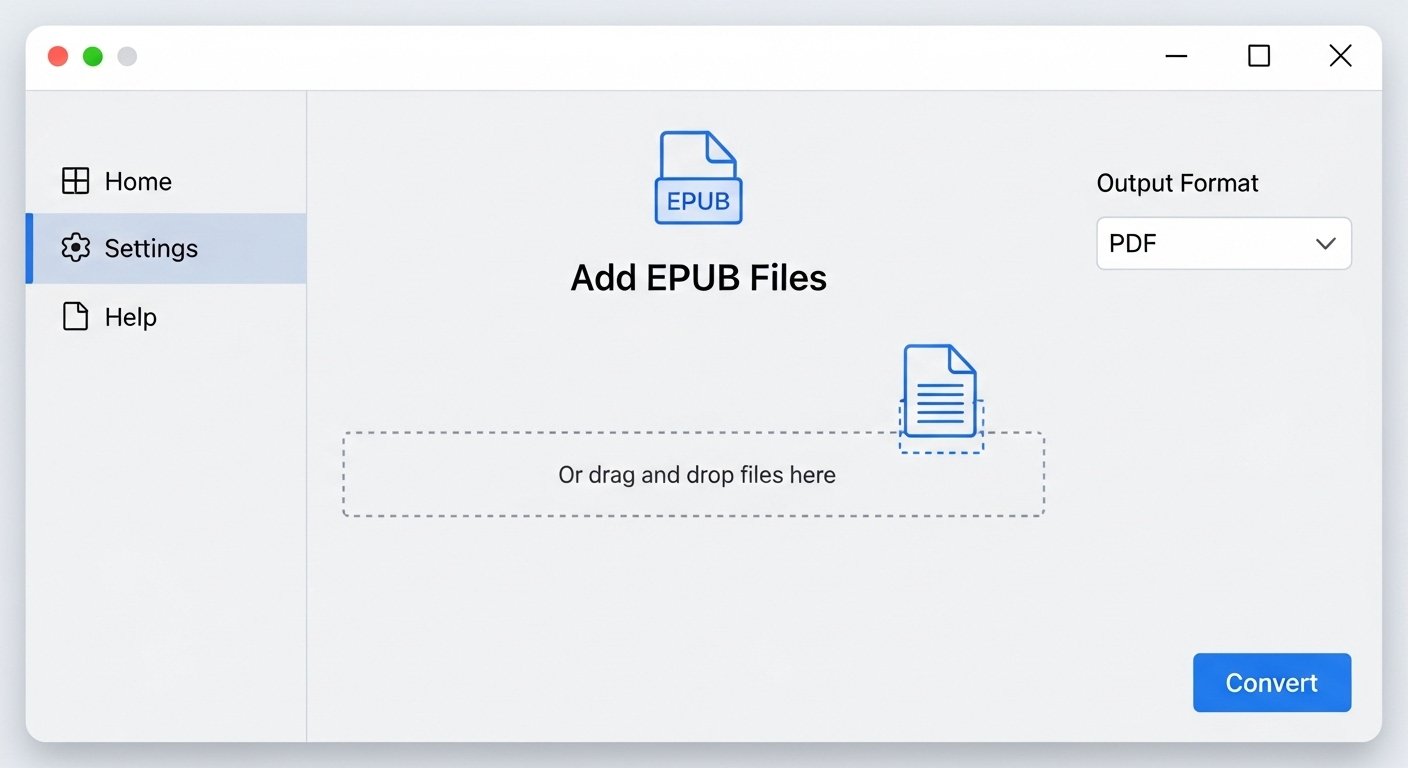
Click the upload area or drag and drop your EPUB file. The tool accepts both EPUB and MOBI formats.
Step 3: Click Convert
Hit the "Convert to PDF" button and let the tool work its magic. The conversion process is fast and efficient.
Step 4: Download Your PDF
Once the conversion is complete, your PDF file will automatically download. You can then use it however you need—print it, share it, or read it on any device.
🎯 Common Use Cases
Students and Researchers
Convert academic eBooks and research materials to PDF for easier printing and annotation during study sessions.
Professionals
Share business eBooks and reports in a universally accessible format that maintains professional formatting.
Book Lovers
Keep a PDF backup of your favorite eBooks for archiving or reading on devices that don't support EPUB.
Publishers and Authors
Preview how your EPUB content will look in fixed-layout PDF format before distribution.
💡 Tips for Best Results
Check File Size
Large EPUB files with many images may result in larger PDFs. This is normal and ensures quality is preserved.
Review the Output
After conversion, take a moment to scroll through the PDF and verify that formatting meets your expectations.
Keep the Original
Always retain your original EPUB file as a backup. PDFs are great for many purposes, but EPUBs remain better for reflowable reading on e-readers.
Name Your Files Clearly
Use descriptive filenames for your PDFs to make them easy to find and organize later.
🚀 Final Thoughts
Whether you're a student, professional, or casual reader, converting EPUB to PDF can make your digital content more accessible and versatile. With tools like Pro Document Tools, the process is quick, secure, and hassle-free.
The ability to convert between formats gives you flexibility in how you consume, share, and preserve your digital library. PDFs offer the stability and universal compatibility that makes them perfect for many situations where EPUB's reflowable format isn't ideal.
So next time you're stuck with an EPUB file and need a PDF version, you know exactly where to go! Our EPUB to PDF converter is ready to help you transform your eBooks in seconds.
Try It Now
Ready to convert your EPUB files? Head over to our EPUB to PDF Converter and experience the easiest way to transform your eBooks into universally compatible PDFs.